




Web Design Basics: A Comprehensive Guide for Beginners
In today's digital era, websites play a crucial role in better engagement, communication, and building credibility. They work as the backbone of businesses; therefore, a well-designed website is a must to stand out in this competitive market. This is where web design steps in.
Understanding web design basics is the first step towards creating an engaging and efficient website. Read on to learn more about what web design is and how a web design course can help develop professional expertise and understand the key fundamentals as a beginner.
What Is Web Design?
Web design is the process of creating and organising the elements of a website to ensure it is user-friendly, efficient, and easy to navigate. It combines technical skills and creativity to provide a seamless user experience.
While designing the website, it is important to keep certain things in mind, such as how informative it is and how it will appear. Having a good website design helps in creating a unique brand identity. Nowadays, it is quite easy to build a website as various tools are available on the internet that can create a website easily in minimal time.
Key Web Design Basics for Beginners
Before designing a website, it is important to understand the key fundamentals. Listed below are the core pillars of web design to help you understand the basic concepts.
1. Layout and Structure
The layout is the arrangement of various elements on a webpage, such as images, texts, and buttons. It is vital to design a structured layout to help users navigate content effortlessly. Common practices focus on:
- User-friendly visuals
- Strategic content placement
- Creating a fluid grid and flexible images
2. Typography
Typography is how text looks and feels. Good typography makes the site easy to read and gives it character. When focusing on typography, remember to:
- Pick fonts that are easy on the eyes.
- Stick to a few consistent font sizes and styles.
- Avoid using a bunch of different fonts that clash.
- Give text breathing room with sufficient line and paragraph spacing.
3. Color Theory
Colors aren’t just for looks; they set the vibe and tell people what your brand is about. Key points to keep in mind include:
- Pick a color palette and stick with it.
- Ensure there is enough contrast so the text "pops" against the background.
- Choose colors that match your brand’s style.
- Avoid using random colors that distract the user.
4. Visual Hierarchy
Visual hierarchy helps visitors figure out what matters most. It ensures users notice key information first and can navigate the page efficiently. You can achieve this by:
- Using bigger fonts for headings.
- Highlighting key information with bold weights or different colors.
- Spacing things out so the page doesn’t feel cramped.
- Placing images and buttons where people will actually see them.
5. Responsive Design
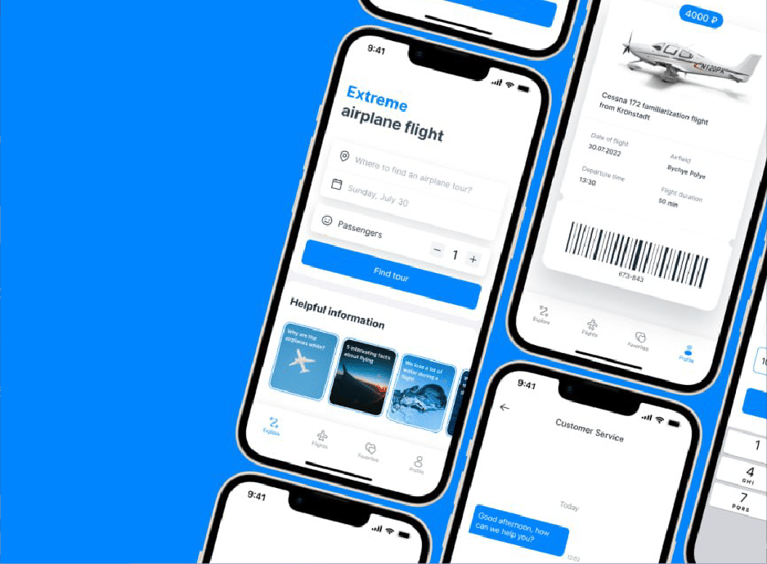
It is crucial to ensure that your website appears and functions well across a wide range of devices, including tablets, smartphones, and laptops. A responsive site adapts to different screen sizes and resolutions, ensuring users can navigate without needing to zoom in or scroll horizontally.
6. User Experience (UX)
UX is all about how people feel when they use your site. The goal is to ensure the experience is intuitive and hassle-free. Key elements for good UX include:
- Fast page loading speeds.
- Obvious and simple navigation menus.
- Logically organized content.
- Easy-to-use forms and buttons.
7. User Interface (UI)
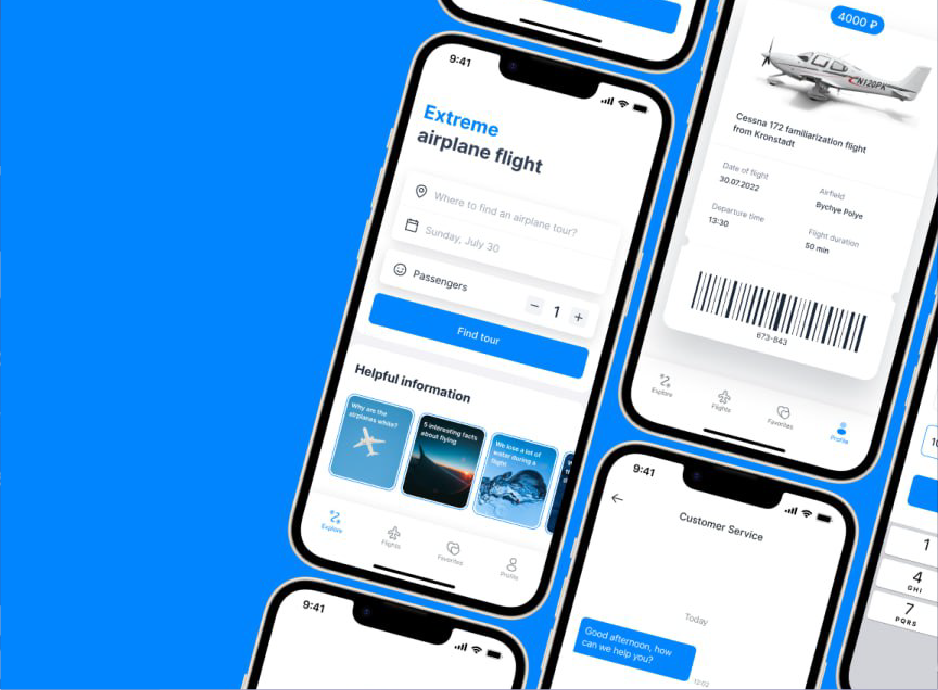
UI deals with the specific visual elements users interact with. This includes components such as:
- Icons and Buttons
- Input fields
- Navigation bars
Why Consider a Web Design Course at Dice Academy?
Dice Academy is a top-rated web design institute offering courses that meet modern industry needs. Here is why it is an excellent choice for aspiring designers:
- An Up-to-Date Program: The curriculum is tailored to meet current trends and technologies. You gain insights into basic design concepts as well as high-level tools.
- Specialized Instructors: Learn from professionals with real-world experience who provide practical insights and soft-skill training.
- Live and Interactive Sessions: Work on real projects to build an impressive portfolio that stands out to employers.
- Flexible Learning: Dice Academy offers online class options for those who cannot travel to Delhi, ensuring accessibility for all.
- Guaranteed Employment Placement: A dedicated placement team helps students secure jobs at top companies like WPP, Capgemini, Spyne, WNS, Snapdeal, HestaBit, and KPMG.
Conclusion
Web design offers a plethora of opportunities for analytical and creative minds. Whether you are a beginner or looking to strengthen your skill set, joining a well-known institute such as Dice Academy can help you reach your goals. With a solid understanding of web design basics, you can conceptualize user-friendly designs that make a real impact.
Don't hesitate to take the first step. The decision you make today will shape your career in the digital world!




.png?width=300&name=small_Chitkara_University%20(1).png)
.png?width=300&name=Clove%20(1).png)




.png?width=146&height=46&name=image%2028%20(1).png)
.png?width=130&height=53&name=image%2027%20(1).png)

.png?width=229&height=20&name=image%2026%20(1).png)







.jpg)







.jpg?width=767&name=movie%20poster%20%20(option%202).jpg)

BOOK A FREE CONSULTATION